Caregiver Dementia Controls & Interaction Tips
Device habits, full interact holds, and co-op roles for up to six caregivers.
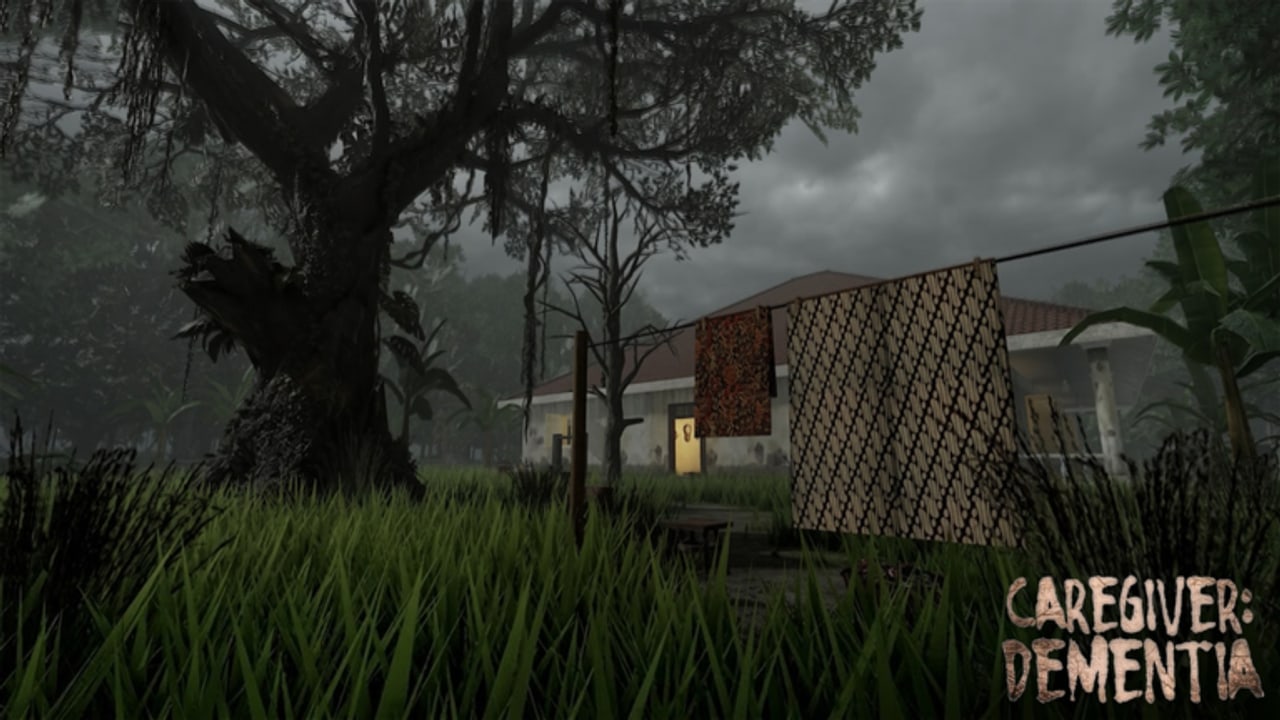
Caregiver: Dementia is not a combos-heavy fighter, but bad control habits still wipe nights. Cancelled hair-comb prompts, missed door latches, and wild camera flicks during knocks are skill issues you can fix. This page covers PC, mobile, and console habits, interaction tips, and co-op roles for lobbies up to six. Pair it with Getting Started and Night Survival.
Roblox rebinds can vary by platform skin; treat the tables as habit guides, then confirm glyphs in your device settings.
Shared interaction principles
- Finish hold interactions. Care tasks (wake, comb, breakfast steps) and some locks need full prompts. Releasing early looks like “the game glitched.”
- Stabilize the camera before interact. Especially on mobile; drifting sticks cancel prompts.
- Lower look sensitivity for horror. Over-aiming during audio stingers makes you miss doors.
- Sprint is situational. Great for dusk lock tours; terrible when you blow past a latch.
- Subtitles + headphones. EN/ID text helps; Indonesian voice still carries emotion—do not mute everything.
PC controls & habits
| Action | Typical Roblox PC | Caregiver tip |
|---|---|---|
| Move | WASD | Strafe halls during lock verifies |
| Look | Mouse | Drop DPI/sens if scares spike |
| Interact | E / click / hold | Hold through care animations |
| Sprint | Shift | Use on door routes only |
| Jump | Space | Rarely useful; avoid rooftop clowning |
| Menu | Esc | Rebind checks, audio, graphics |
PC tips
- Play windowed fullscreen if you alt-tab to the Walkthrough—borderless reduces focus loss.
- Bind push-to-talk in your voice app so scream-chat does not mask knocks.
- If frames dip in the colonial interior, cut shadows before cutting audio.
Mobile controls & habits
Mobile lobbies are common for Roblox horror. Thumb layout decides whether Day 3 nights feel fair.
| Action | Mobile habit | Caregiver tip |
|---|---|---|
| Move | Left stick | Raise stick size for dusk tours |
| Look | Right swipe | Enable precision mode if available |
| Interact | On-screen button | Keep thumb free before care holds |
| Sprint | Toggle/hold sprint | Toggle can cause accidental hall rockets |
| Camera reset | Double-tap variants | Recenter after inventory glances |
Mobile tips
- Sit down. Walking-around phone play drops interacts.
- Brightness low enough for OLED scares, high enough to see latch prompts.
- Use a cheap thumb sleeve if sweat cancels holds.
- Consider a lightweight controller if your lobby expects you to be door captain.
Console / gamepad habits
Where gamepad input is supported for the experience session:
| Action | Common pad mapping | Caregiver tip |
|---|---|---|
| Move | Left stick | |
| Look | Right stick | Lower deadzones for fine latch aim |
| Interact | Face button / trigger | Prefer digital confirm for holds |
| Sprint | Click stick / bumper | Avoid click-sprint while aiming doors |
| Pause | Options/Menu |
Pad tips
- Vibration can help timed holds but may spike anxiety—tune to taste.
- Headphones via controller audio still beat TV speakers for folklore whispers.
Care task interaction tips
Waking Mbah
Approach from a clear angle. Start the prompt once; do not mash. Mash culture cancels more than it confirms.
Comb hair
This signature routine punishes early release. Watch for completion feedback before you sprint to the kitchen. Character meaning: Mbah Lastri.
Breakfast prep
Multi-step kitchen flows need inventory awareness. On mobile, clear the UI clutter before carrying items. Assign a kitchen lead in co-op so six bodies do not crowd one counter.
Door locks
Treat each door as a hold + visual verify. Captain calls “locked” only after the verifier sees the state change. Details in Night Survival.
Co-op roles & “binds” (soft assignments)
You cannot hard-bind careers, but voice roles act like keybinds:
| Role | Primary inputs focus | Notes |
|---|---|---|
| Mbah attendant | Care holds | Owns morning chain |
| Kitchen lead | Item interacts | Owns breakfast path |
| Door captain | Lock route sprint + interact | Speaks last |
| Verifier | Follow camera on latches | Never opens for knocks |
| Relic scout | Afternoon exploration | Idle at night |
| Floater | Backup holds | Fills gaps |
In smaller lobbies, merge roles. In six-stacks, force clarity or accept wipe comedy.
Ending humility: controls competence does not sync finales. Someone can mis-click a late choice and leave with a different fate—including missing The Heir—even after perfect lock tours. Read All Endings when ready.
Accessibility & comfort
- Use subtitles always if auditory processing dips under stress.
- Take breaks between nights; saves exist so you can stop.
- Reduce motion blur / camera shake in Roblox graphics if available.
- Avoid executor “auto-interact” tools—ban risk and broken story timing (Scripts).
Practice drill (10 minutes)
Before a serious ending attempt:
- Enter a calm afternoon.
- Comb + breakfast once without sprinting away early.
- Run the full lock path twice with callouts.
- Stand still for one minute of audio-only listening.
- Only then start a night.
The embedded playthrough video shows real pacing across early ending attempts—watch hands and camera, not only spoilers.
Related pages
- Structure: Walkthrough
- Nights: Night Survival
- Relics: Relics & Secrets
- Hub: Guides
- Patch input changes: Updates
Master the holds. Name the doors. Let the house scare you without your thumbs betraying the save.
Frequently Asked Questions
Quick answers about endings, relics, and surviving Mount Gelud.
What causes most control-related failures?
Cancelled hold interactions on care tasks or door locks, plus sprinting past latches during dusk tours. Slow down and verify each prompt.
Are controls the same on mobile and PC?
The actions match, but mobile needs larger sticks, careful thumb scheduling for holds, and often lower effective precision—practice the lock route before hard nights.
Should I change sensitivity?
Yes for many players. Lower look sensitivity reduces panic overflicks when knocking starts, especially with headphones.
How do co-op roles help controls?
Roles reduce crowded interactables. One kitchen lead and one door captain prevent six players from fighting the same prompt.
Do I need scripts to interact faster?
No. Auto-interact executors risk moderation and spoil pacing. Clean manual habits are enough for nights and chores.